
Generate a module or a file
The Generate tab runs the generators of nwidart/laravel-modules. Mortise shows the exact command first, and the package writes the files.
You need to have chosen the PHP for the app.
Create a new module
Section titled “Create a new module”-
Press New module at the foot of the module index, or press Ctrl N (Cmd N on macOS).
-
Type the name in Module names. To create more than one module, separate the names with spaces.
-
Choose the Kind: Web, API or Plain. Web is the default.
-
Set the Options:
- Check Inertia controller and pages, no Blade views for an Inertia module.
- Clear Turn the module on after creation to create it turned off.
- Check Replace the module if it exists only to generate a module again over one that exists. See Replace a file or a module.
-
If you want an author in
composer.jsonof the module, fill Author. It is optional. -
Read the line under Command, then press Create module, or Ctrl Enter.
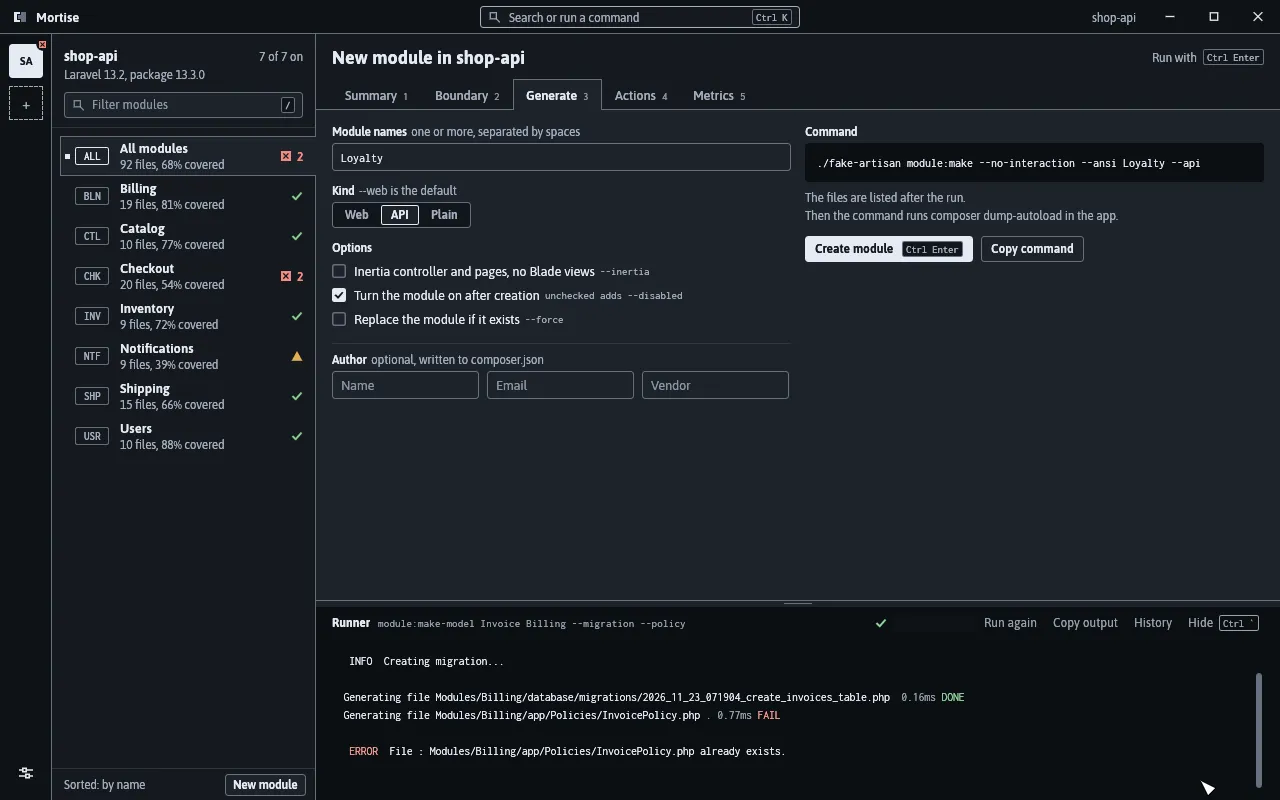
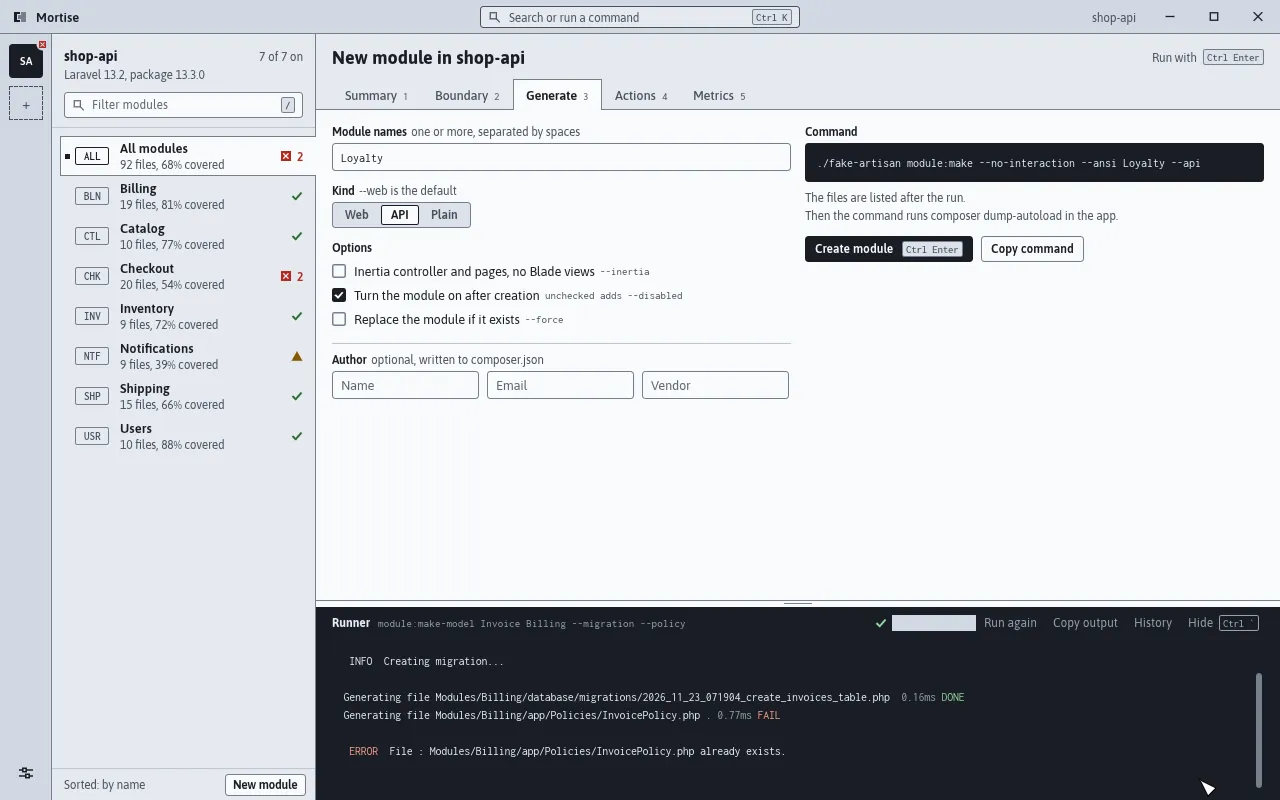
The runner drawer shows the output. The result lists the files the command wrote, and the module appears in the index.
Create a file in a module
Section titled “Create a file in a module”-
Select the module in the module index.
-
Open the Generate tab. Press 3, or G to put focus in the filter.
-
Type in Find a generator, then select the generator and press Enter to open its form.
-
Type the name in the name field, such as Model name, and set the options you need.
-
If the app has
nwidart/laravel-modules13.4 or later, press List files. Mortise runs the generator as a dry run and lists the files it would write, under Files this creates. On an older package, the files are listed after the run. -
Read the line under Command, then press Create files, or Ctrl Enter. After List files, the button counts the files, such as Create 3 files.
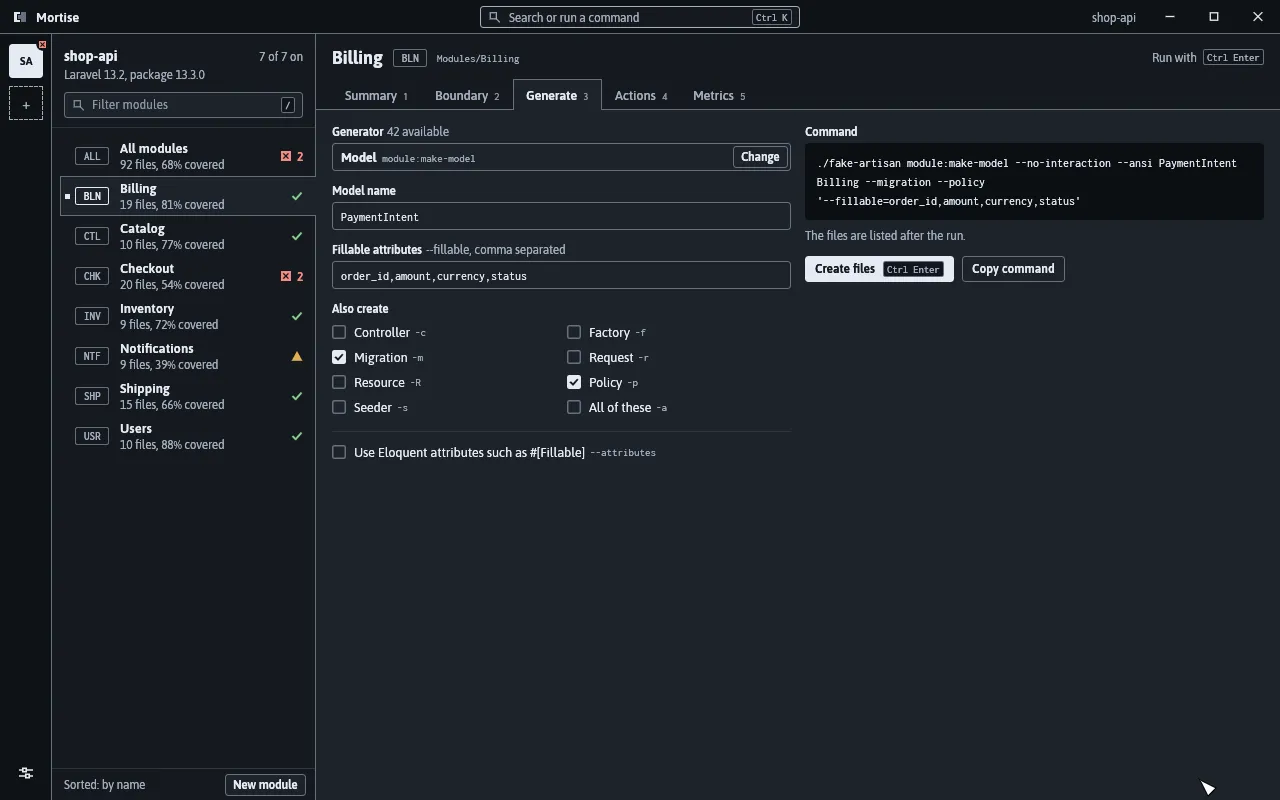
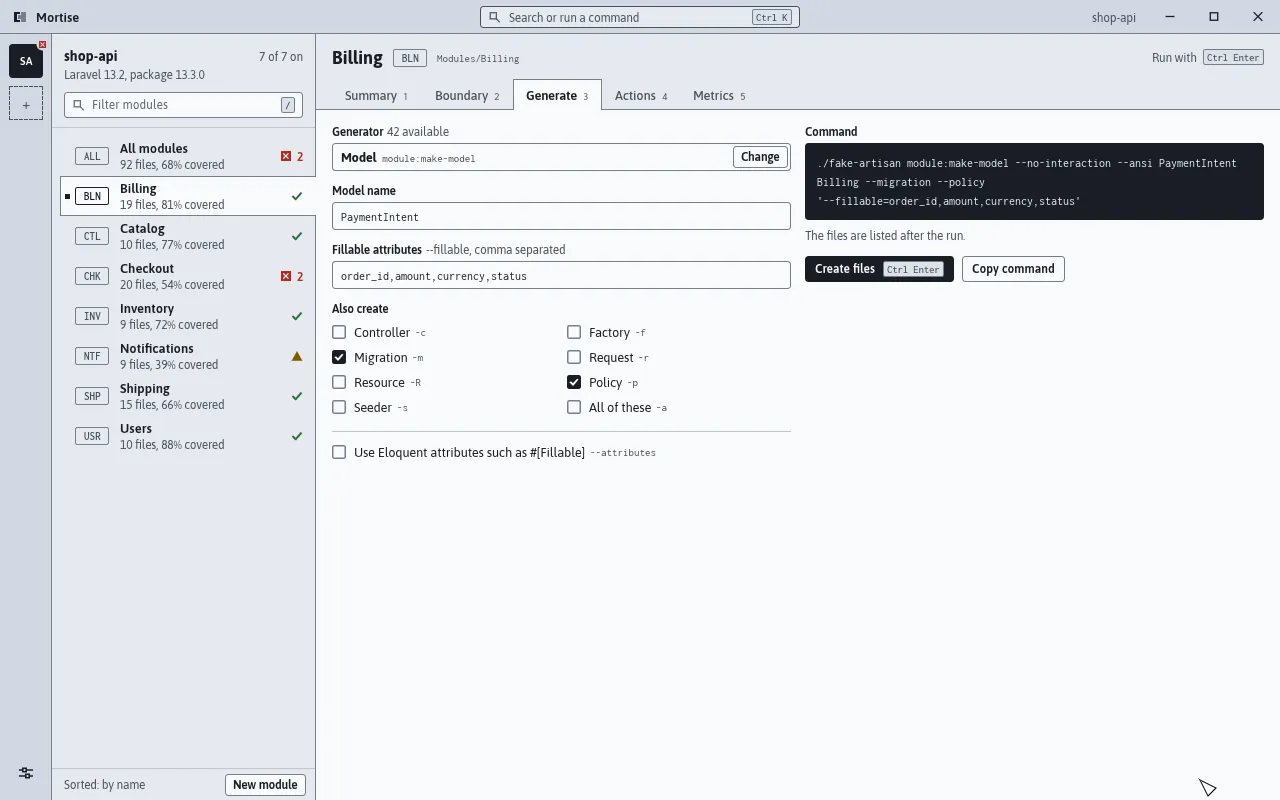
The result says Created in and the module, and lists each file with a button to open it. Press Generate another to empty the form for the next file.
Replace a file or a module
Section titled “Replace a file or a module”A generator does not write over a file. When the file exists, Mortise says so and offers to replace it.
-
If the generator’s own file exists, press Replace and the file name, such as Replace Invoice.php. After a run that left a file as it was, the result offers the same button for that file.
-
Read the question. Press Replace file to write a new file over the old one, or Cancel.
To replace a whole module, check Replace the module if it exists in the new module form, then press Create module. Mortise asks first, and Replace module confirms. The command deletes the module folder and generates it again, so files you wrote in it are lost.
Every generator and option is listed in Generate. What 13.4 adds is in Package versions.