
Scan the public surface of a module
A scan reads the files of one module and proposes its public surface: what other modules, HTTP clients and the command line may use. The scan writes nothing. What a public surface is for is in About boundaries.
-
Select the module in the module index.
-
Open the Boundary tab, or press 2.
-
Switch from Links to Public surface, or press P.
-
Press Scan and the name of the module, for example Scan Billing. The shortcut is Ctrl Enter (Cmd Enter on macOS). To end the scan early, press Stop the scan.
-
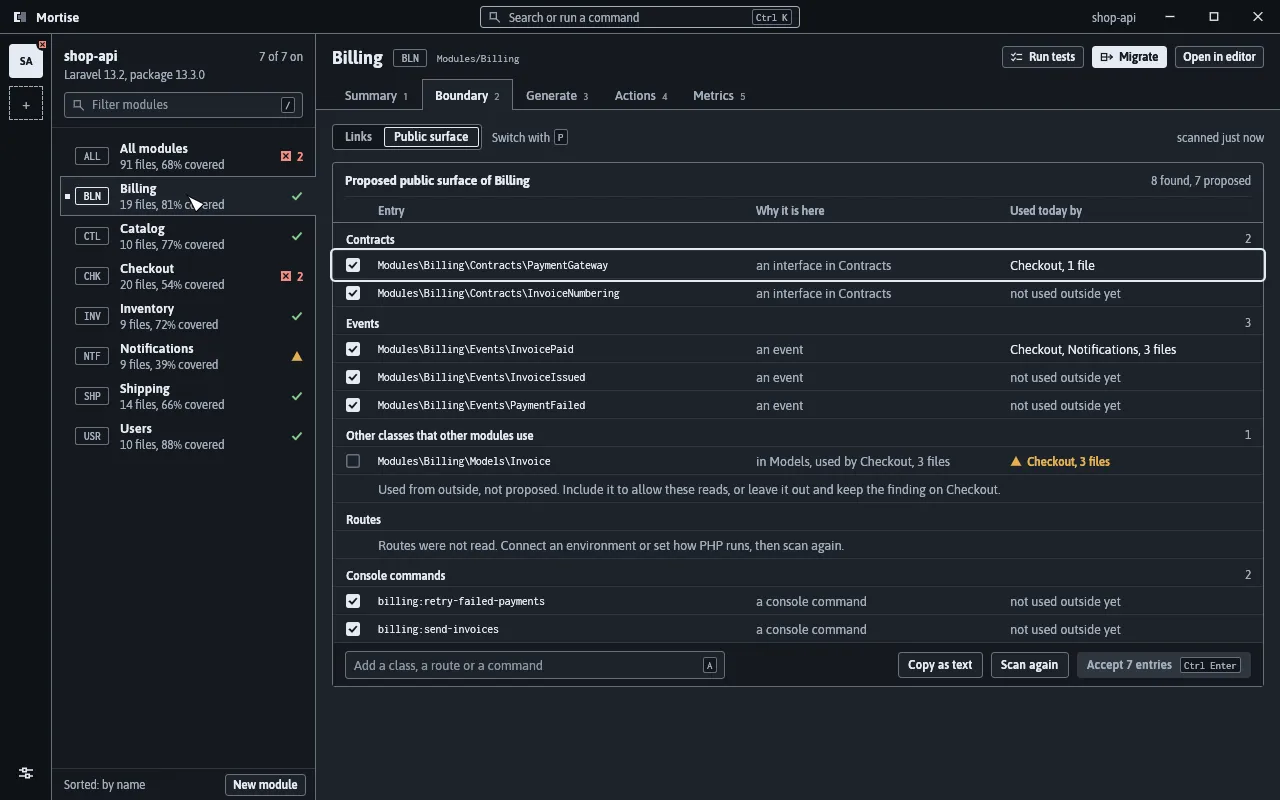
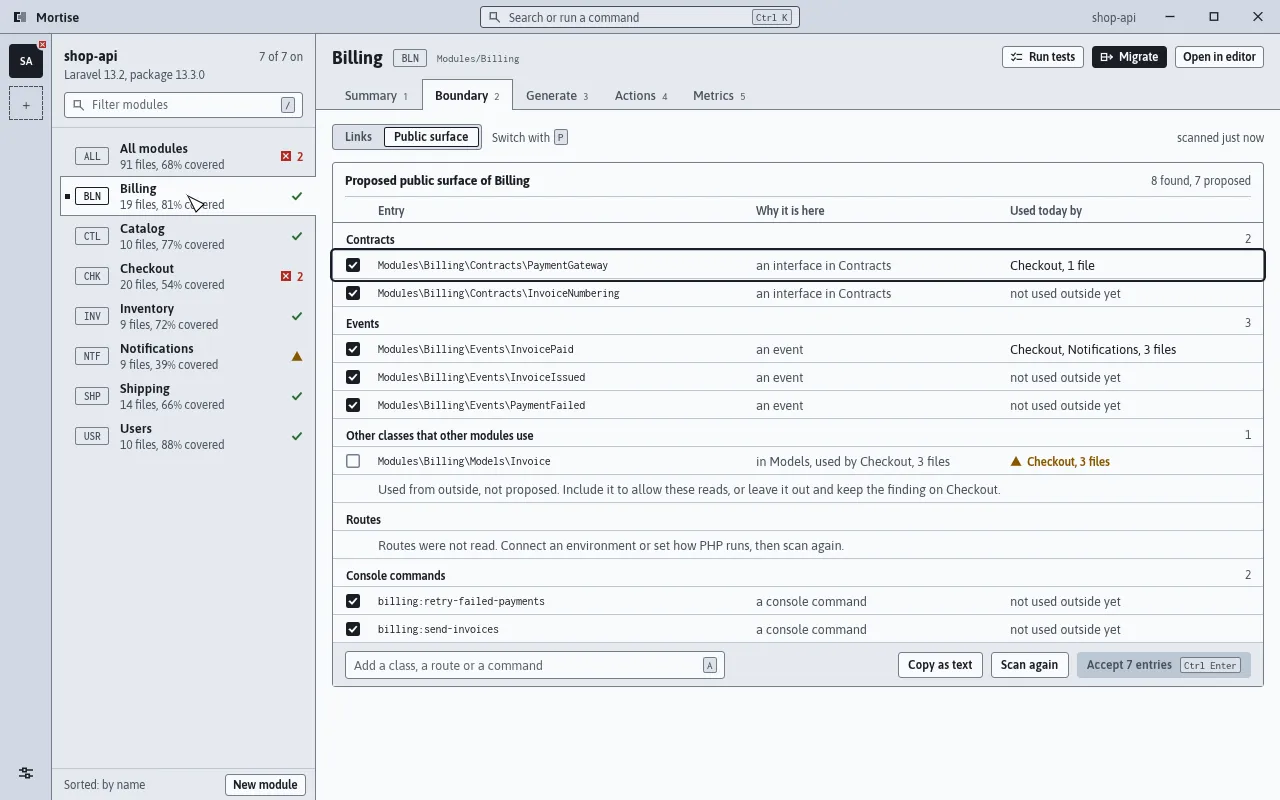
Read the proposal. Each entry says why it is there, under Why it is here, and who uses it, under Used today by. Clear an entry to leave it out. An entry that is used from outside and not proposed says so. Include it to allow those reads.
-
If something is missing, type a class, a route or a command in Add a class, a route or a command and press Enter. The shortcut A moves focus to this field.
-
Press Accept with the number of entries, such as Accept 12 entries, or Ctrl Enter. A dialog shows the exact command,
module:surface Billing --set --stdin --json. Press the button again to run it. The command runs through the PHP you chose for the app and stores the surface in themodule.jsonof the module.
The module has an accepted public surface. From now on the rule Other modules use only a module’s public surface
checks reads of the module against it, in the window and in mortise check. Commit the module.json so that the team and CI share it.
Check the surface later
Section titled “Check the surface later”Open the view again: it shows the accepted surface. Press Scan again. Mortise lists only what differs, such as a new interface or an accepted class that is gone. Leave out a difference to keep its accepted state, then press Accept with the number of changes. Keep the accepted surface leaves everything as it is. To change the list by hand, press Change.
If the proposal says “Routes were not read”, connect an environment or set how PHP runs, then press Scan again. See Connect the actuator of an app and Choose the PHP for an app. The view is described in Boundary.