
Command palette
The command palette finds modules, actions, generators, findings, apps and commands of Mortise. It opens with Ctrl K (Cmd K on macOS) from anywhere, and from the entry in the middle of the title bar. The same key closes it. It is 620 px wide, 58 px from the top of the window, over a scrim. It holds the keys until it closes.
The palette searches what Mortise already holds in memory. Nothing runs to fill it. A row that would run a command opens its panel or its form first. The command runs from there.
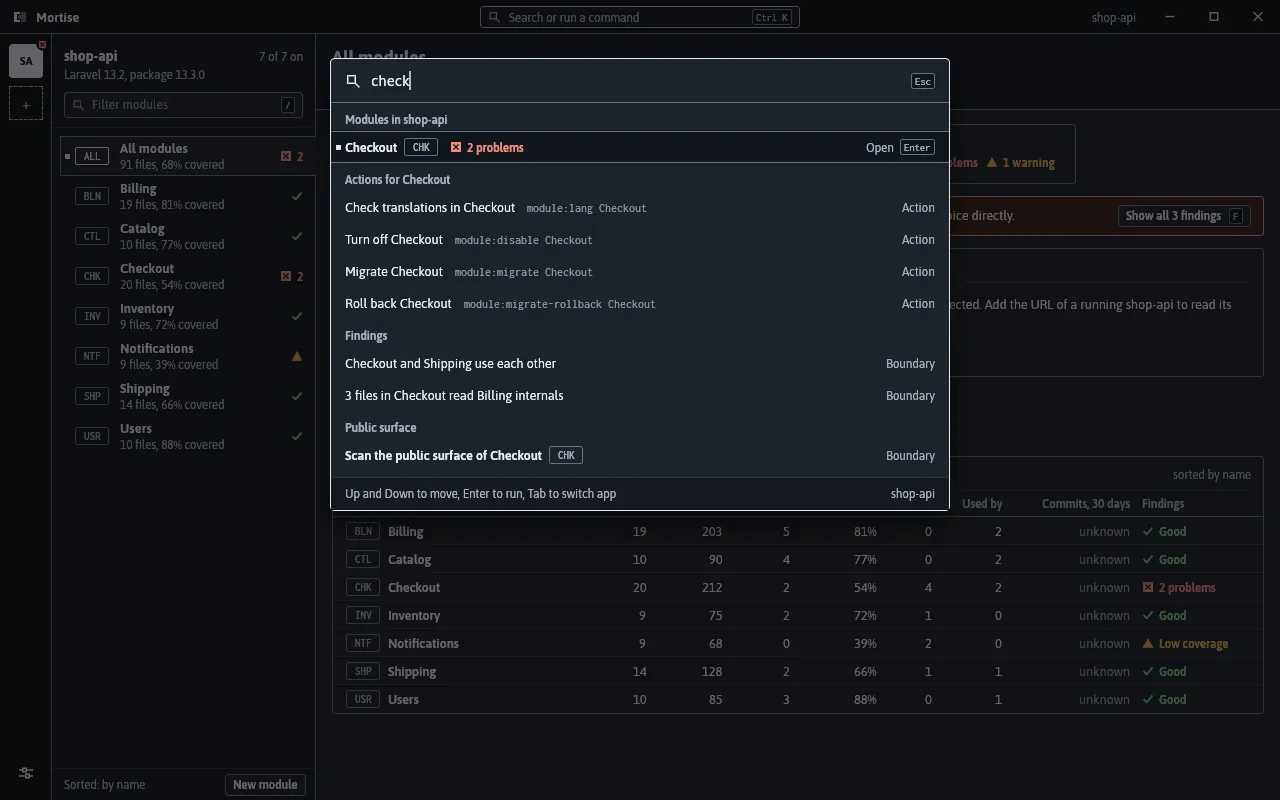
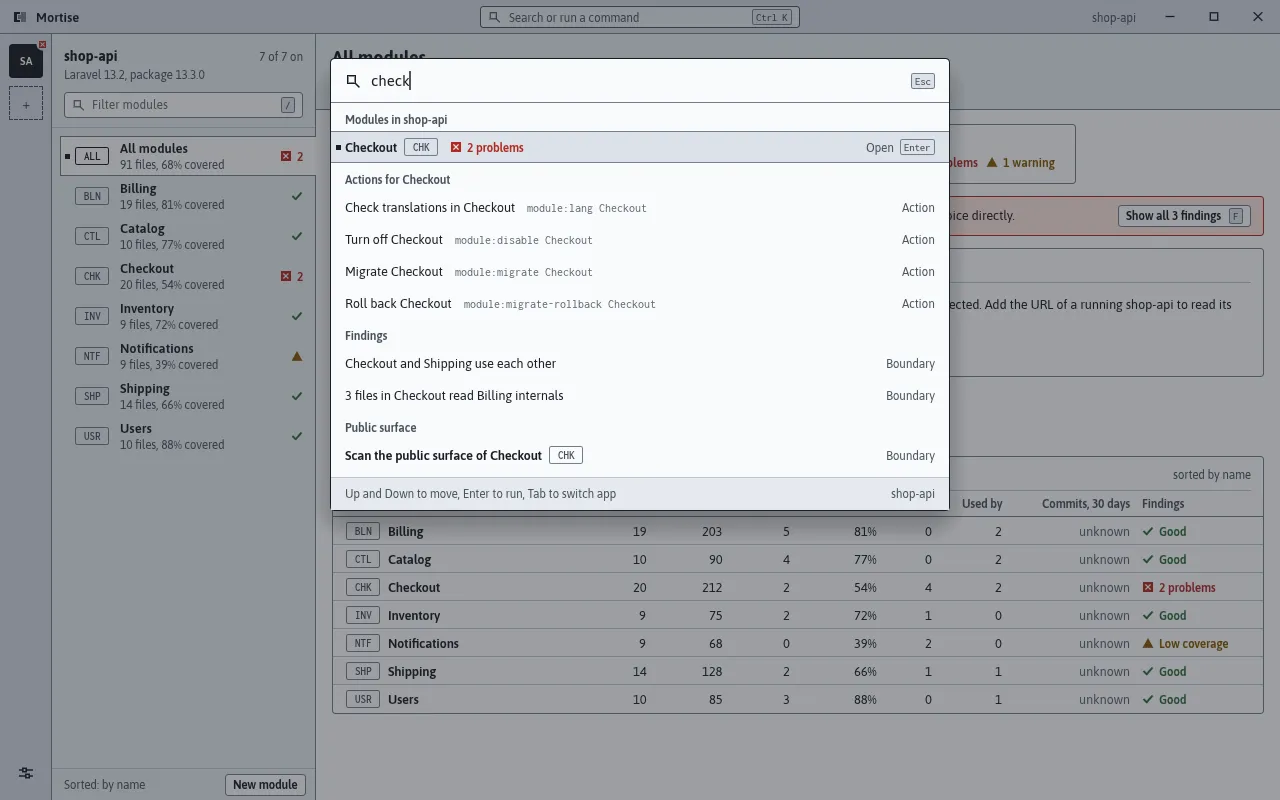
| Part | Shows |
|---|---|
| Query field | The hint “Search modules, findings and apps” and the key Esc |
| Groups | Rows in groups, each under its heading. A group with no match is left out |
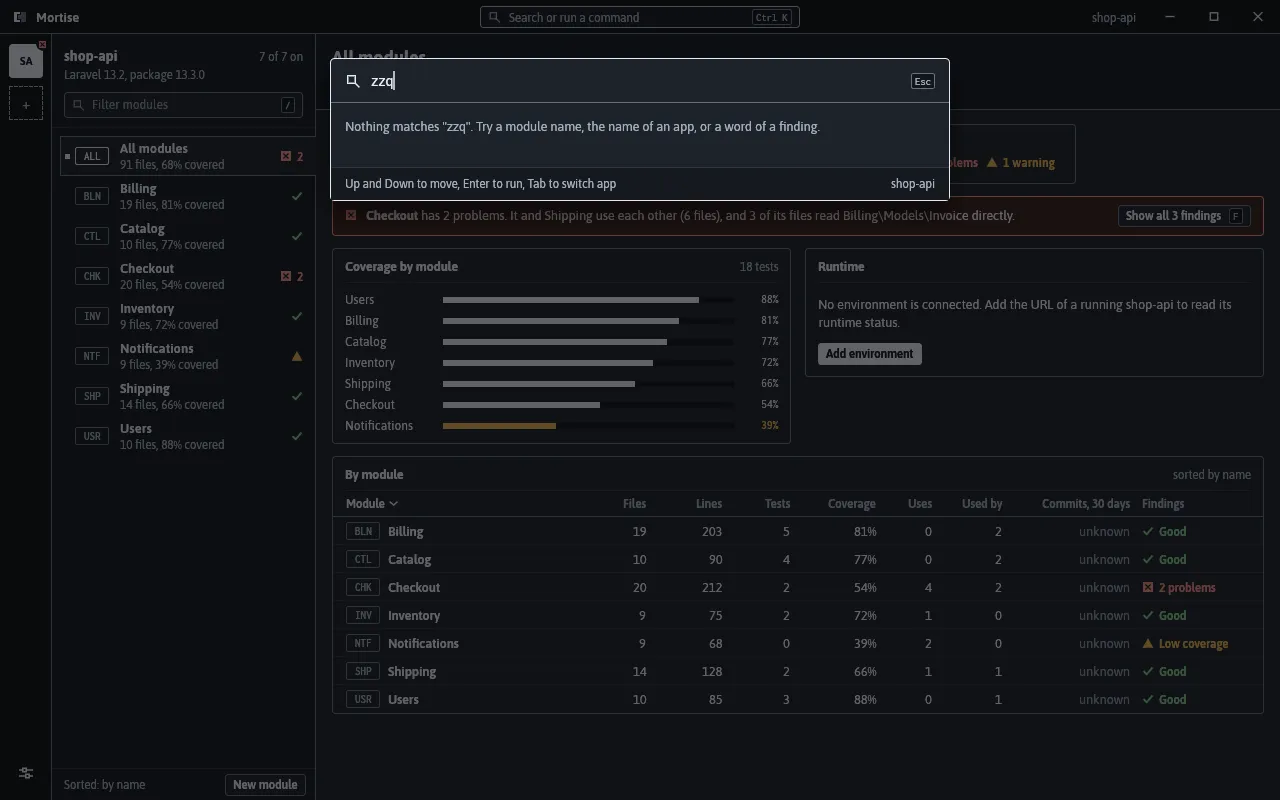
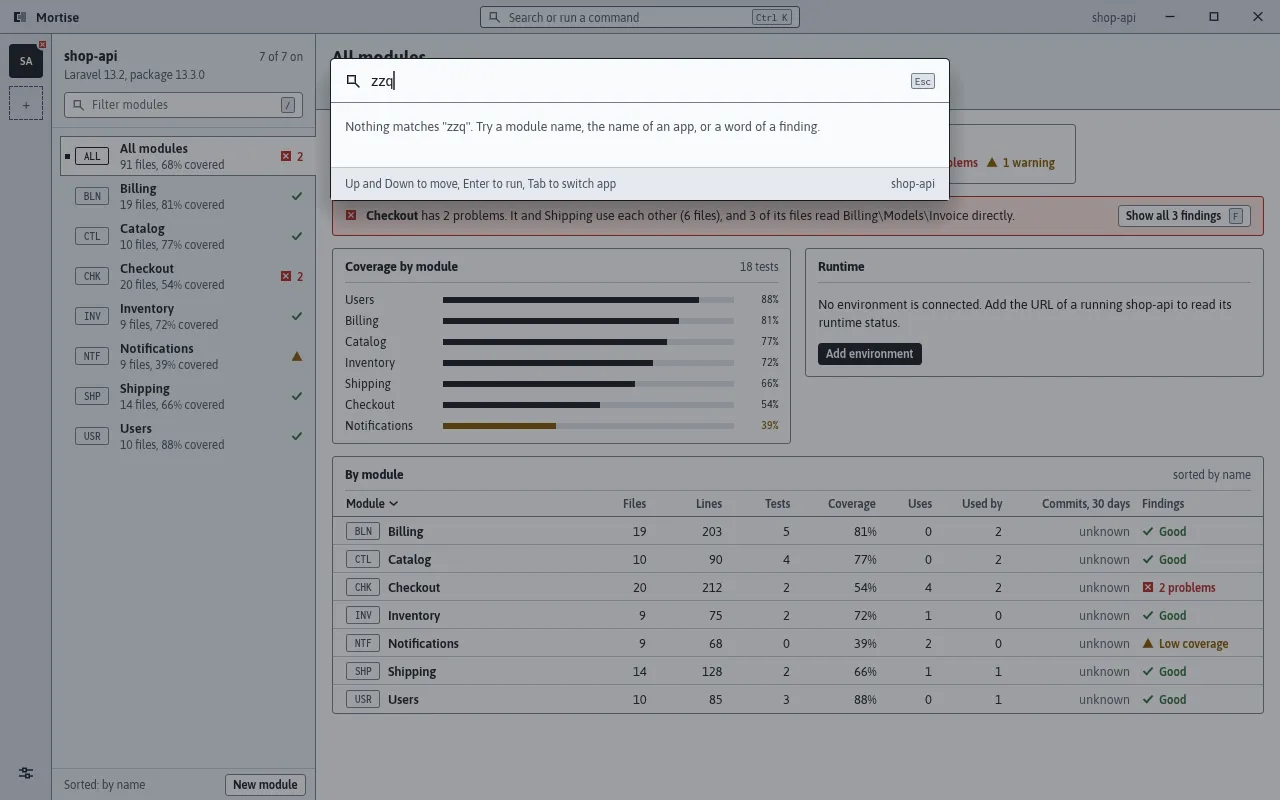
| Footer | “Up and Down to move, Enter to run, Tab to switch app”, and the app that is searched |
A group shows at most four rows. The list scrolls after twelve rows.
A row has a label and, where it applies, a code stamp, a finding state (“2 problems”), the artisan words in a dim mono font, and a hint at the right end. The hint is what Enter does in a word, the shortcut of the command, or when it ran. The current row has the well fill, a line above and below, and the peg. It shows Enter after its hint.
Empty query
Section titled “Empty query”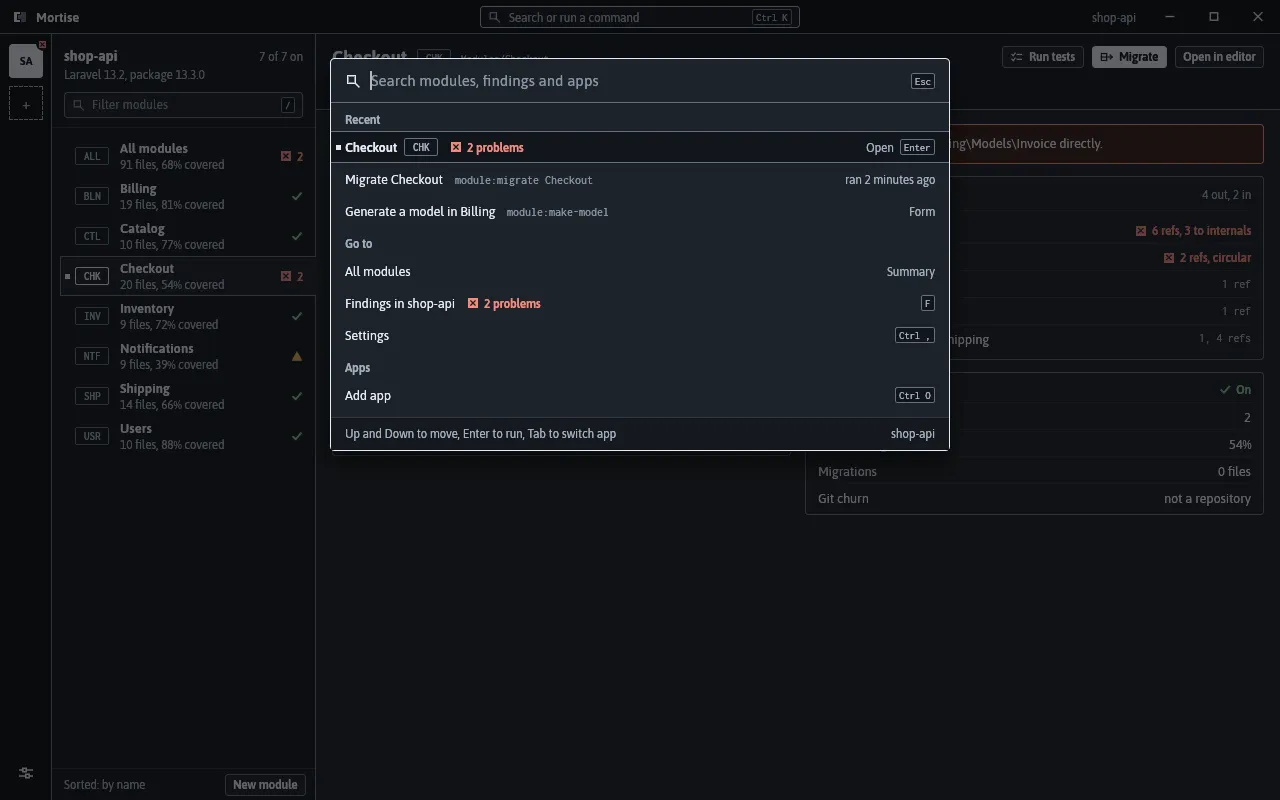
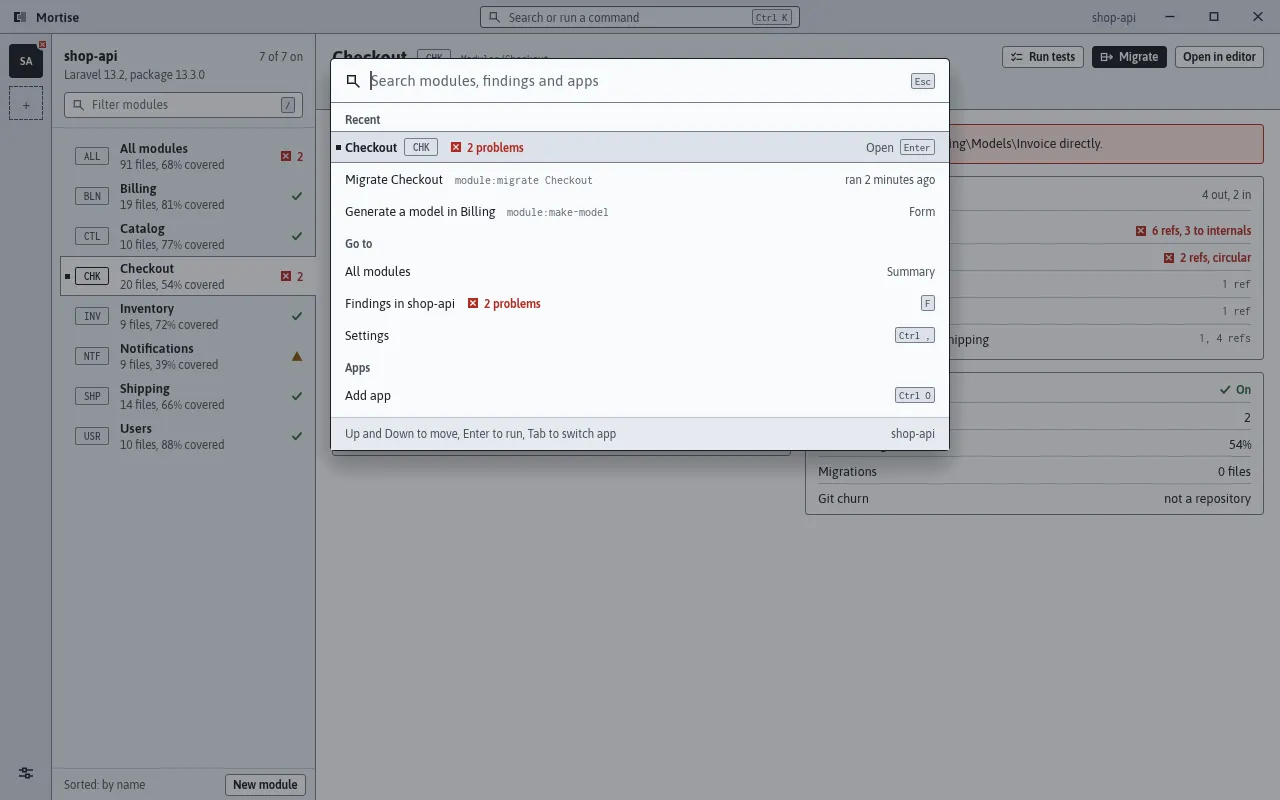
| Group | Rows |
|---|---|
| Recent | The module opened last, then up to three actions and generators that ran last, then the other recent modules. A run row says “ran 2 minutes ago” |
| Go to | All modules (hint Summary), “Findings in shop-api” (hint F), Settings (hint Ctrl ,) |
| Apps | Up to three apps, each with Ctrl Alt and its place on the rail, then Add app (Ctrl O) |
On macOS the keys read Cmd and Option.
With a query
Section titled “With a query”The groups come in this order:
| Group | Rows | Enter |
|---|---|---|
| “Modules in shop-api” | Modules whose name or code match, with their finding state or Off | Opens the module (Open) |
| “Actions for Checkout”, or Actions for all modules | The actions of the best matching module, else of the module selected in the index, else of all modules. Labels such as “Migrate Checkout”, “Run tests of Checkout”, “Check translations in Checkout”, “Migrate all modules” | Opens the Actions tab on that action (Action) |
| Generators | “Generate a model in Checkout”, with the artisan name such as module:make-model. Without a module, only New module |
Opens the form of the generator (Form) |
| Findings | Findings whose sentence matches, such as “Checkout and Shipping use each other” or “3 files in Billing read Checkout internals” | Opens the finding where it lives: Boundary, Summary, or Actions for a translation warning |
| Public surface | “Scan the public surface of Billing” | Opens the public surface view of the module (Boundary). The scan does not start |
| Apps | Apps whose name matches, with their problems | Selects the app |
| Mortise | Settings, Settings: PHP, Add app, “Runner drawer: show or hide” (Ctrl `), “Theme: follow the system”, “Theme: light”, “Theme: dark” | Does the command |
A destructive action is found only by its own word: reset, refresh, fresh or delete.
“Refresh” does not find fresh. With that word, Reset, Refresh and Delete come for the module,
and Fresh comes for all modules. A destructive action named by its word comes first in its group.
It still asks before it runs. See Actions.
Matching
Section titled “Matching”The query is split at spaces. Every part must be found in the text, in order, as letters in order,
not necessarily next to each other. Case does not matter.
mm bil finds module:make-model in Billing.
Matches at the start of a word and without gaps come first.
When nothing matches, the palette says “Nothing matches “zzq”. Try a module name, the name of an app, or a word of a finding.”
| Key | Does |
|---|---|
| Up, Down | Move the current row |
| Enter | Do what the current row says |
| Tab | Search in the next app on the rail. The footer names it |
| Esc | Close the palette |
| Ctrl K | Close the palette (Cmd K on macOS) |