
Run a destructive action
Four actions lose data: Reset migrations, Refresh migrations, Drop all tables and migrate and Delete module. They sit in the closed group Destructive of the Actions tab, and each one asks first. You need to have chosen the PHP for the app.
-
Select the target in the module index:
- For Reset migrations, Refresh migrations or Delete module, select the module.
- For Drop all tables and migrate, select All modules. It drops every table of the database.
-
Open the Actions tab, or press 4.
-
Select Destructive to open the group, then select the action.
-
Read the box What is lost. On
nwidart/laravel-modules13.4 or later, press Read migration state first: the box and the question then name the tables and count the migrations. -
Set the options. For a reset, check Dry run: print the SQL, run none of it to read the SQL without a question. Refresh and drop have no dry run.
-
Press the red button named after the action, or Ctrl Enter (Cmd Enter on macOS).
-
Read the question. Focus starts on Cancel, so Enter alone never confirms.
- For Drop all tables and migrate, type the name of the app where the question says “Type” and the name “to confirm”.
- For Delete module, type the name of the module. The name must match exactly, with the same case.
-
Press the button of the question that names the action, such as Delete module, to run the command.
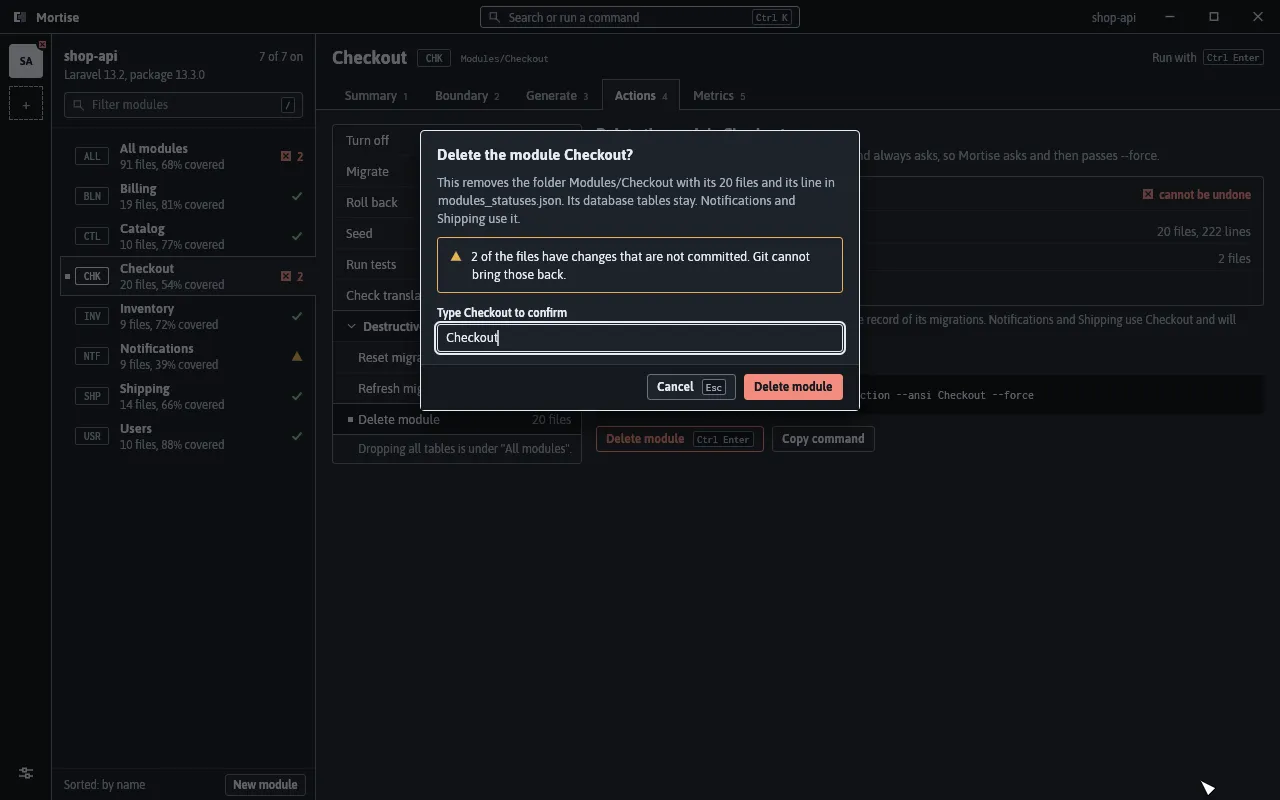
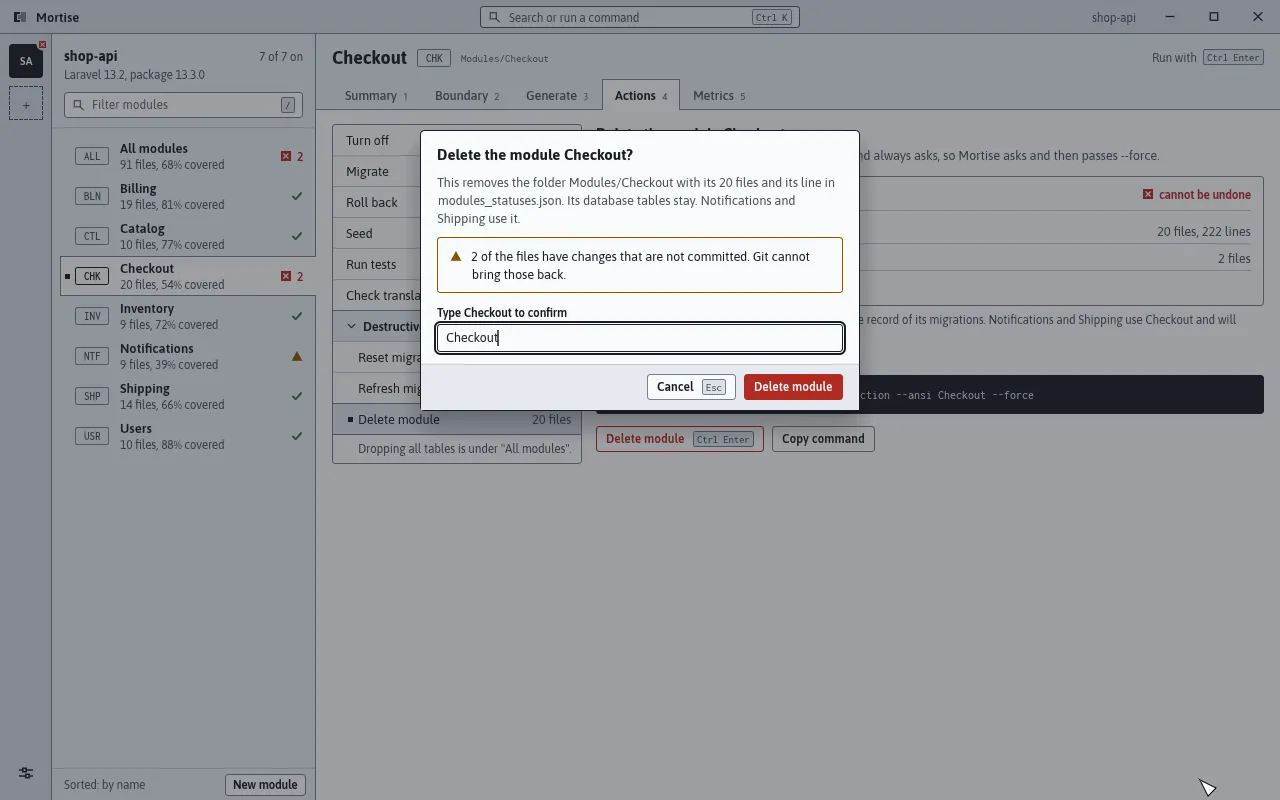
The runner drawer shows the output, and a message says what happened, such as “Deleted the module Legacy.”
In production
Section titled “In production”If the app reports the environment production, Mortise does not run any of these four actions.
The panel says so, and only Copy command works. Copy the command and run it where you can watch the database.
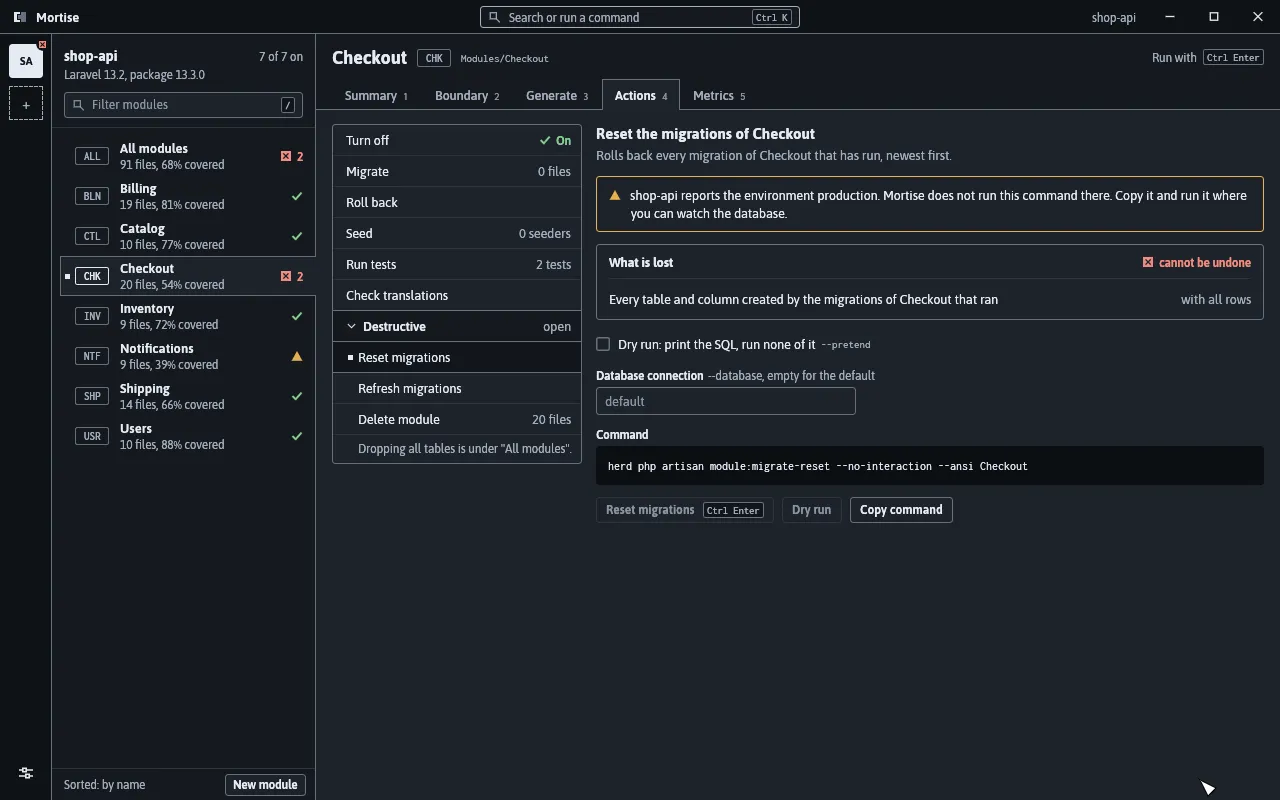
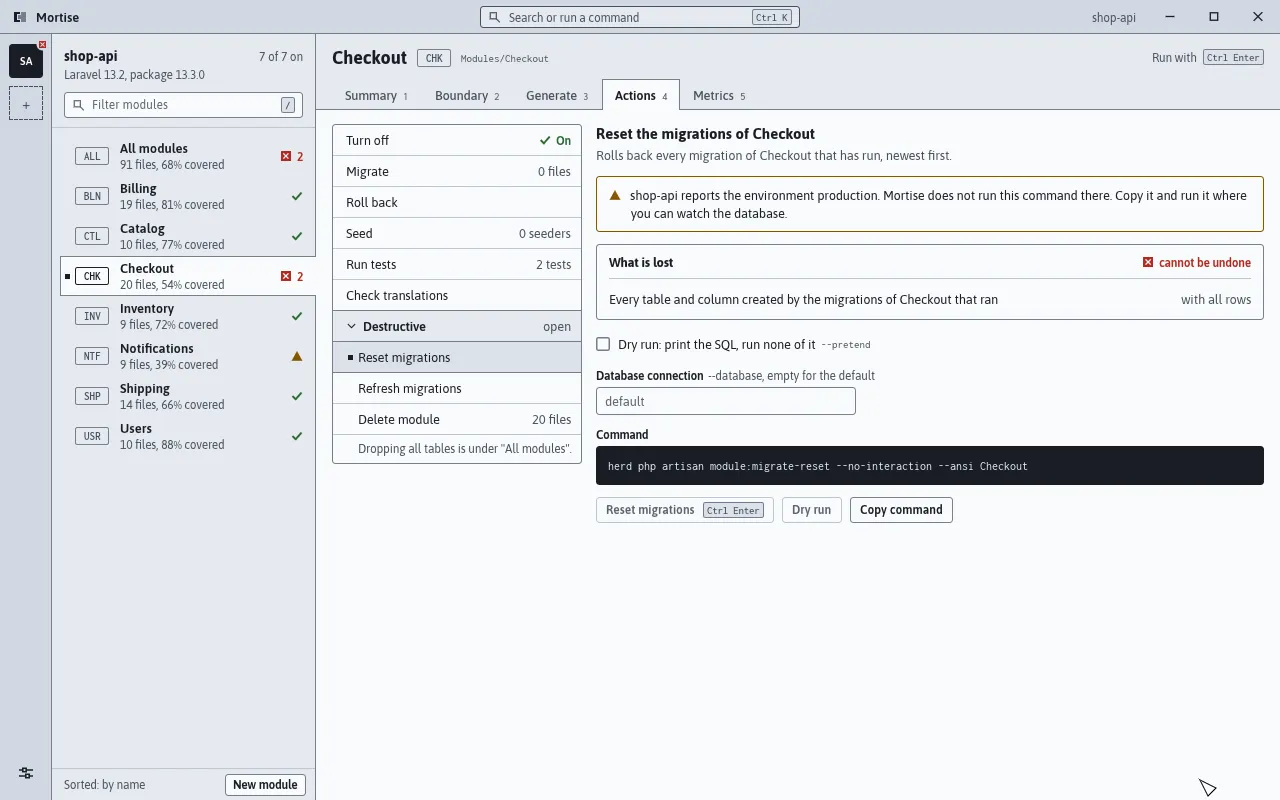
Mortise also does not run Delete module when it cannot read where the app keeps its modules. Copy the command and run it where you can check the folder.
Each action is described in Actions. Why Mortise asks and refuses is in About safety.